Introducing Updates
Axamy
Telling your team about your work should be the same as moving it forward. Now it is.
Every team has some version of the same ritual.
A standup. A status form. A Slack thread that gets buried by Tuesday. The goal is straightforward: leaders need to know what's happening. But the tools we use to share that haven't changed in decades. They're one-way. Static. The update goes in, but nothing happens next.
That's the problem Updates is designed to fix.
What are check-ins even for?
Most status updates share the same flaw: they're reports, not actions. Someone fills out a form, posts a message, answers a bot in Slack — and the information sits there. Maybe a manager reads it. Maybe it influences a decision. But the work itself? Untouched.
The update and the work live in separate places, and bridging them falls on someone to do manually — which means it usually doesn't happen at all.
How Updates works
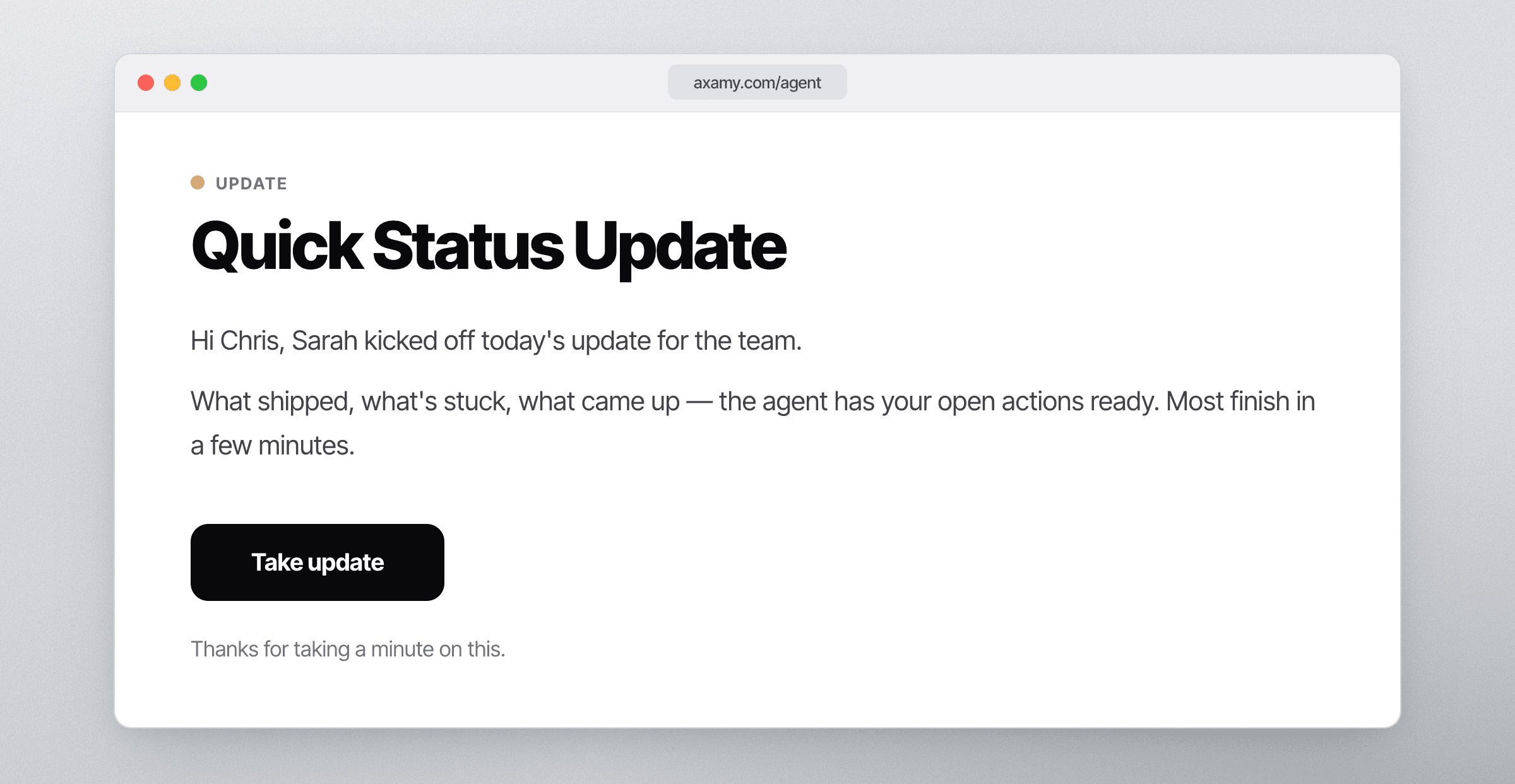
Your team gets an invitation to check in. They describe what's finished, what's blocking them, what's changed, or what's next. The conversation is natural — more like talking to a colleague than filling out a form.
Since Axamy already runs your plans and priorities, it handles what comes next automatically:
Open tasks get closed. Progress reported in the check-in flows directly into the work. No one has to update the tracker separately.
Context is shared. The team stays aligned without anyone having to manually broadcast what's happening. Everyone's operating picture gets richer.
New opportunities surface. What your team flags today — blockers, ideas, risks — becomes part of tomorrow's plan. The agent picks it up and acts on it.
The result: a check-in that's not just a record, but a move.
Where it all comes together
Updates doesn't exist in isolation. Axamy already works across your actions, projects, goals, and integrations — autonomously keeping work moving between people and systems.
Updates deepens that. When your team checks in conversationally, that context flows into everything Axamy already knows. The Control page — the live view of your team's goals, plan, and priorities — gets richer. Decisions get sharper. What was already moving forward moves with even more precision.
Getting started
To set up Updates for your team, tell the agent what you want: which team, what cadence, what the check-ins should cover. It will walk you through configuration and get the first sessions scheduled.